
Pipeline Orchestration Patterns: Beyond Simple DAGs
The patterns that make data pipelines actually work in production

Welcome back to Data in Production. Previously, in Data Observability, we covered how to know when your data breaks. This week, we’re going deeper into orchestration itself, the patterns that separate pipelines that work from pipelines that work at scale.
I used to think orchestration was the easy part.
Define some tasks. Draw some arrows. Hit run. Done, right?
Then I inherited a production Airflow instance with 200 DAGs. Half of them had hardcoded dates. A third couldn’t handle retries without duplicating data. And one particularly creative engineer had built a “dynamic” pipeline by generating Python files on the fly and importing them at runtime.
It worked. Until it didn’t.
The thing about orchestration patterns is that the simple approach works fine until you need to backfill three months of data, or process files that arrive unpredictably, or spin up expensive compute only when you actually need it. That’s when you realize the difference between a DAG that runs and a DAG that’s production-ready.
This week, we’re covering the patterns I wish I’d known earlier.
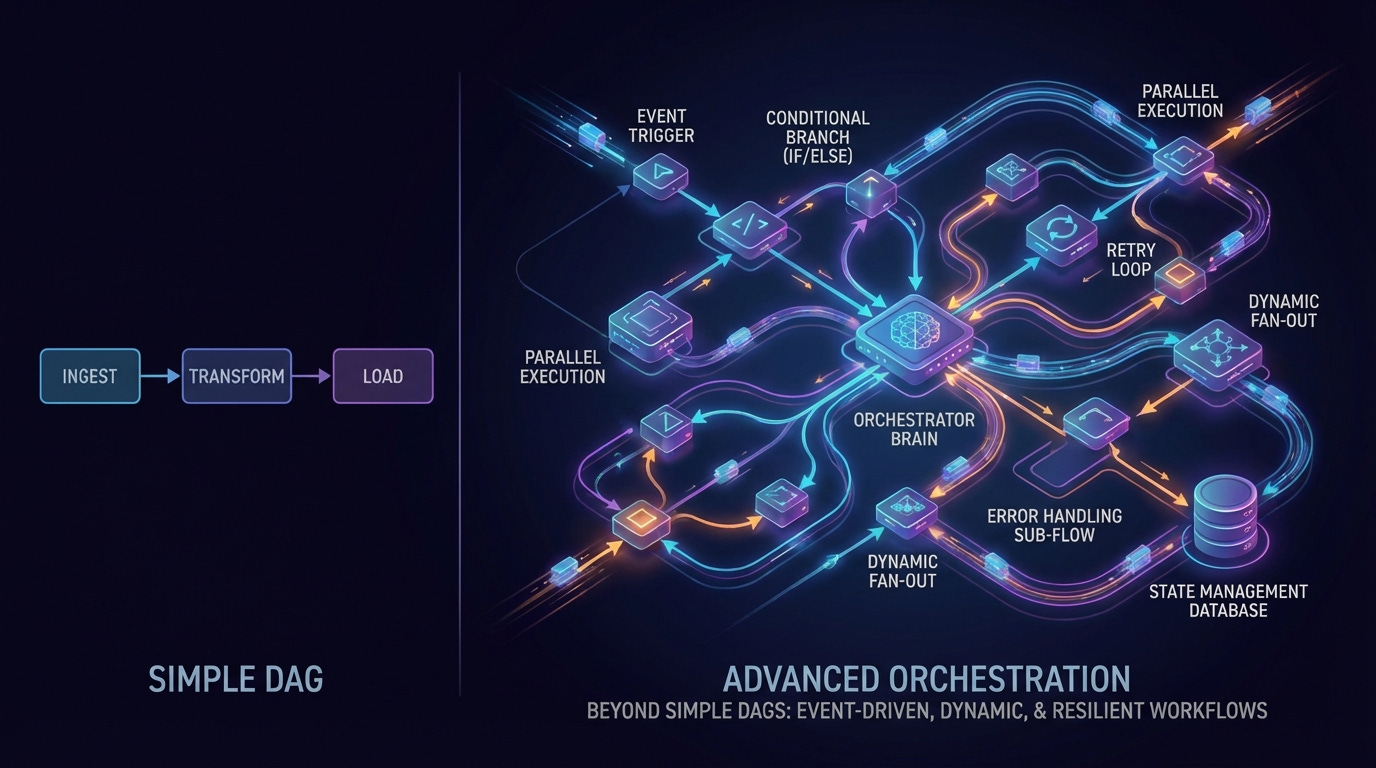
What We’ll Cover
Dynamic Task Mapping — Processing unknown quantities at runtime
Setup and Teardown — Managing ephemeral resources properly
Asset-Driven Scheduling — Moving beyond time-based triggers
Backfill Patterns — Reprocessing without the chaos
Recovery Strategies — When things go wrong (and they will)
1. Dynamic Task Mapping
Here’s a pattern you’ll recognize: you need to process a list of files, but you don’t know how many until runtime. Maybe it’s customer exports that arrive overnight. Maybe it’s partitions that vary by day.
The old way was to either hardcode a maximum number of tasks or generate DAG code dynamically. Both approaches are fragile.
Airflow 3.0’s dynamic task mapping solves this elegantly. You define the task once, and Airflow expands it at runtime based on upstream output.
from datetime import datetime
from airflow.sdk import dag, task

@dag(schedule='@daily', start_date=datetime(2025, 1, 1), catchup=False)
def process_daily_files():

    @task
    def list_files():
        """Discover files to process — could be 5 or 500."""
        # In reality, this would list from S3, GCS, etc.
        return ['file_001.csv', 'file_002.csv', 'file_003.csv']

    @task
    def process_file(filename: str):
        """Process a single file. Airflow creates one task per file."""
        print(f"Processing {filename}")
        return f"Processed: {filename}"

    @task
    def summarize(results: list[str]):
        """Collect all results after parallel processing."""
        print(f"Completed {len(results)} files")

    files = list_files()
    processed = process_file.expand(filename=files)  # Dynamic expansion
    summarize(processed)

process_daily_files()